

Week plan & app
Lay out the week, invite the patient, use adherence in the next session.
From week plan to the patient app
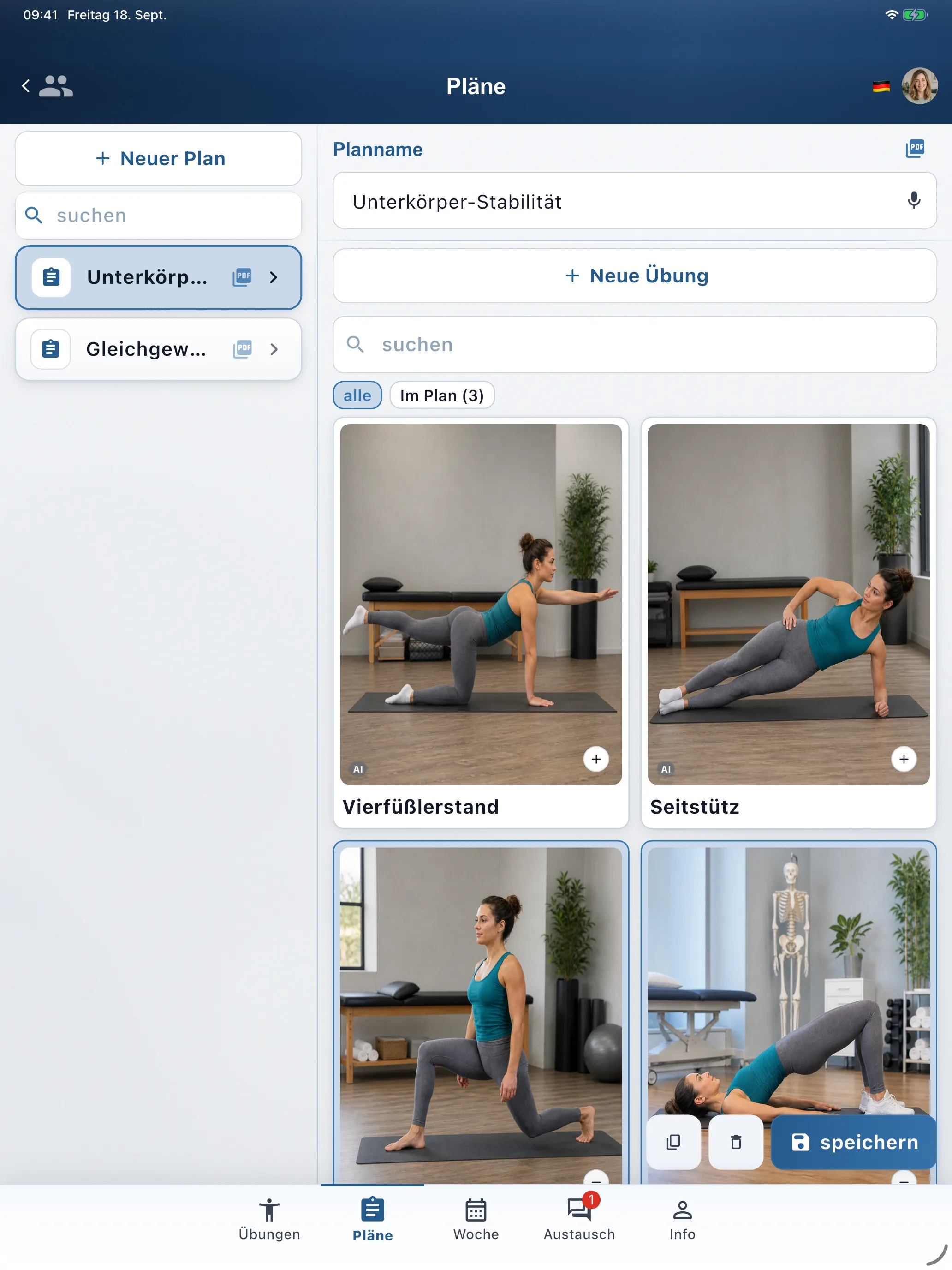
Plan the therapy week
- Open the patient → bottom Week (title Week schedule).
- Drag saved plans (from the Plans tab) onto weekdays — empty days stay rest. In-app empty state: create a plan and drag it onto a day.
- Set the schedule as the patient’s active week schedule (badge Active) — only the active one appears in the patient app.
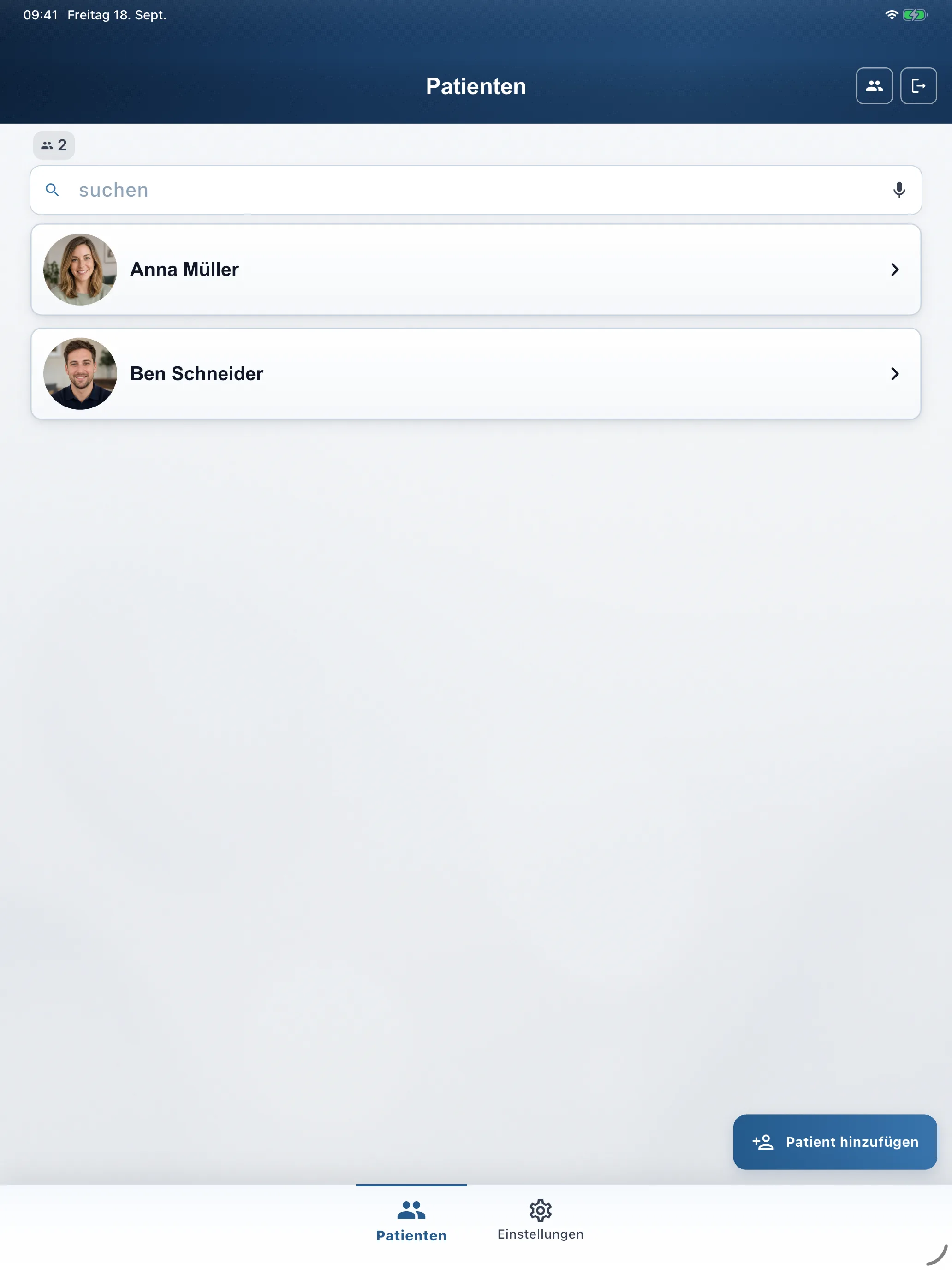
Invite the patient to the app
When creating a patient under Patients → Add patient, enter Email (for sign-in) — RehabPilot sends the invite with the record. Later, check or update details under Info. They install the free RehabPilot app, sign in, and see the active week schedule / assigned exercises.


What the patient sees in the app
Free patient app — no per-patient fee.
-
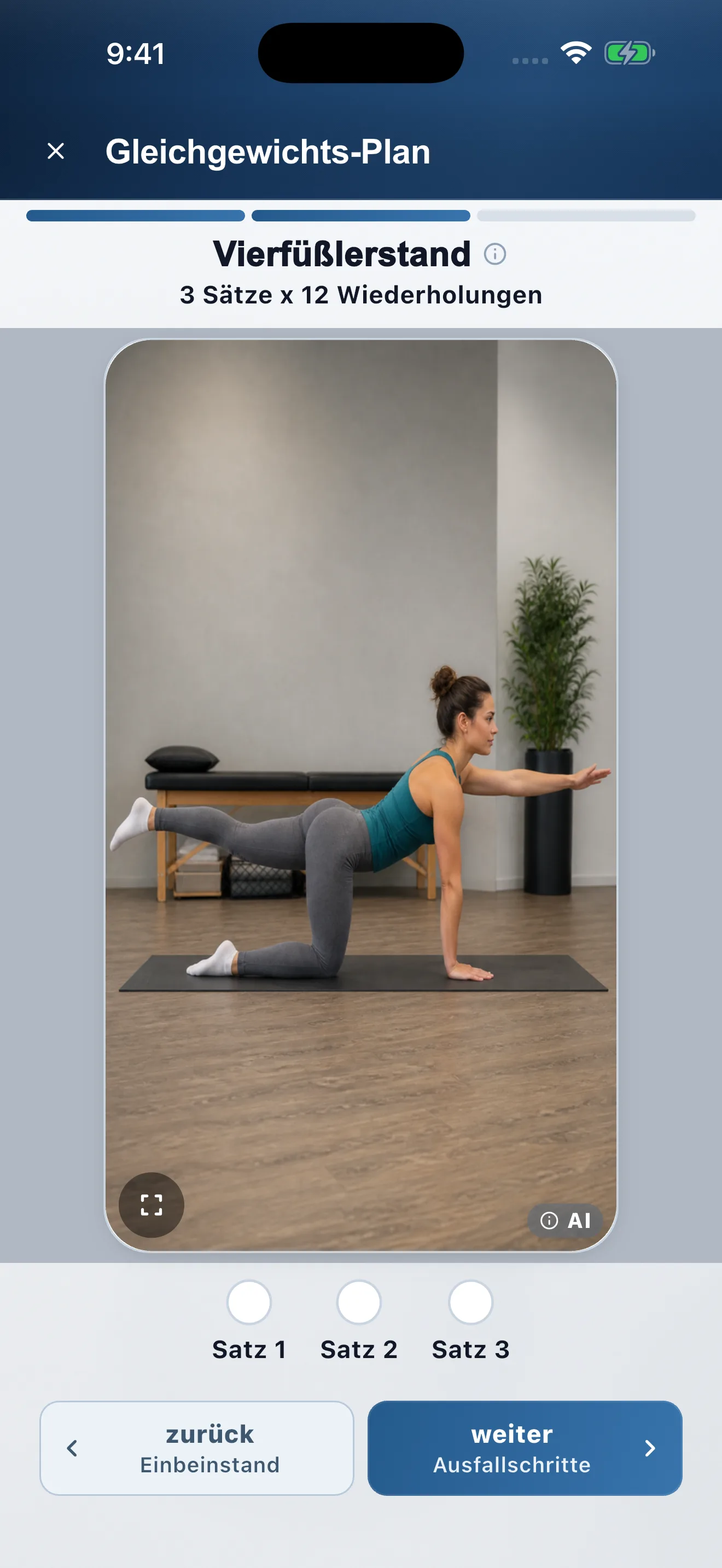
Workout
Exercise with video/photo, set buttons, and Next / Back.
-
Dosage
Labels like “3 sets × 12 reps” from your prescription.
-
Reminders
Optional push under Profile — no extra charge.
-
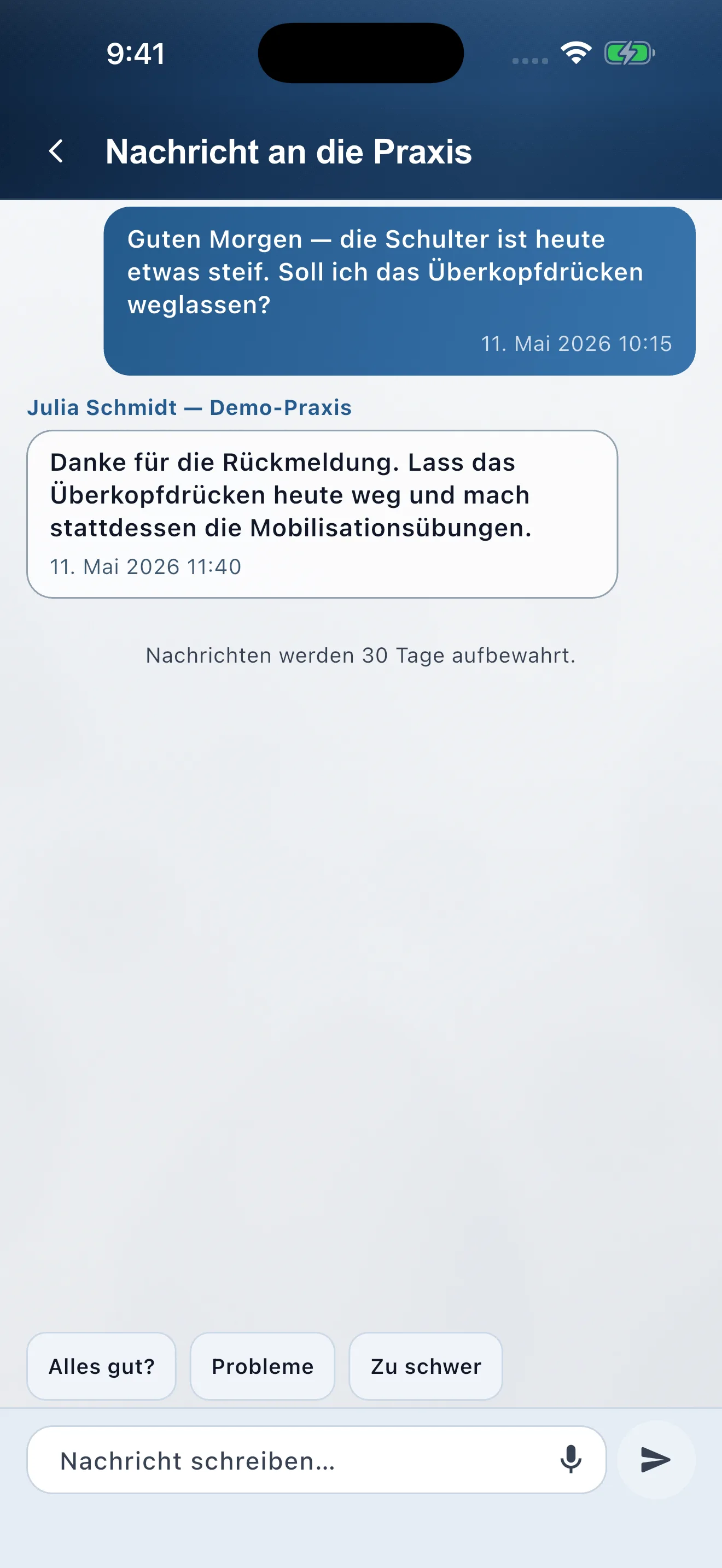
Messages
Optional chat with the clinic (Patient messaging add-on).
Review adherence
Under Info you see completions and consistency. At the next visit, adjust dosage under Exercises, swap plans, or update the week under Week.
Exchange & notes
Bottom Exchange: write a Session note in the inline form (voice or keyboard) and open Patient messaging. Day notes live on the week schedule under Week. On Clinic and Enterprise, notes and plans are shared with the team.
Week plan & patient app FAQ
Week layouts, invites, and home-exercise adherence.
How do patients get their plan in the app?
When you add a patient with Email (for sign-in), RehabPilot sends the invite. After they install and sign in, the active week schedule appears automatically.
Can I lay plans out day by day?
On Clinic and Enterprise, open the patient Week plan tab and drag plans onto weekdays. Leave days empty for rest.
Do reminders require an extra fee?
Push reminders are included in the patient app at no extra charge to you or the patient.
Can I change the weekly schedule after assigning it?
Yes. Update the week layout anytime; patients see the revised days in the app on their next sync. Adherence stays visible on the patient record.