

Team and billing
PIN check-in, seats, and the subscription on the web.
Seats, library, and billing
Check in at the clinic
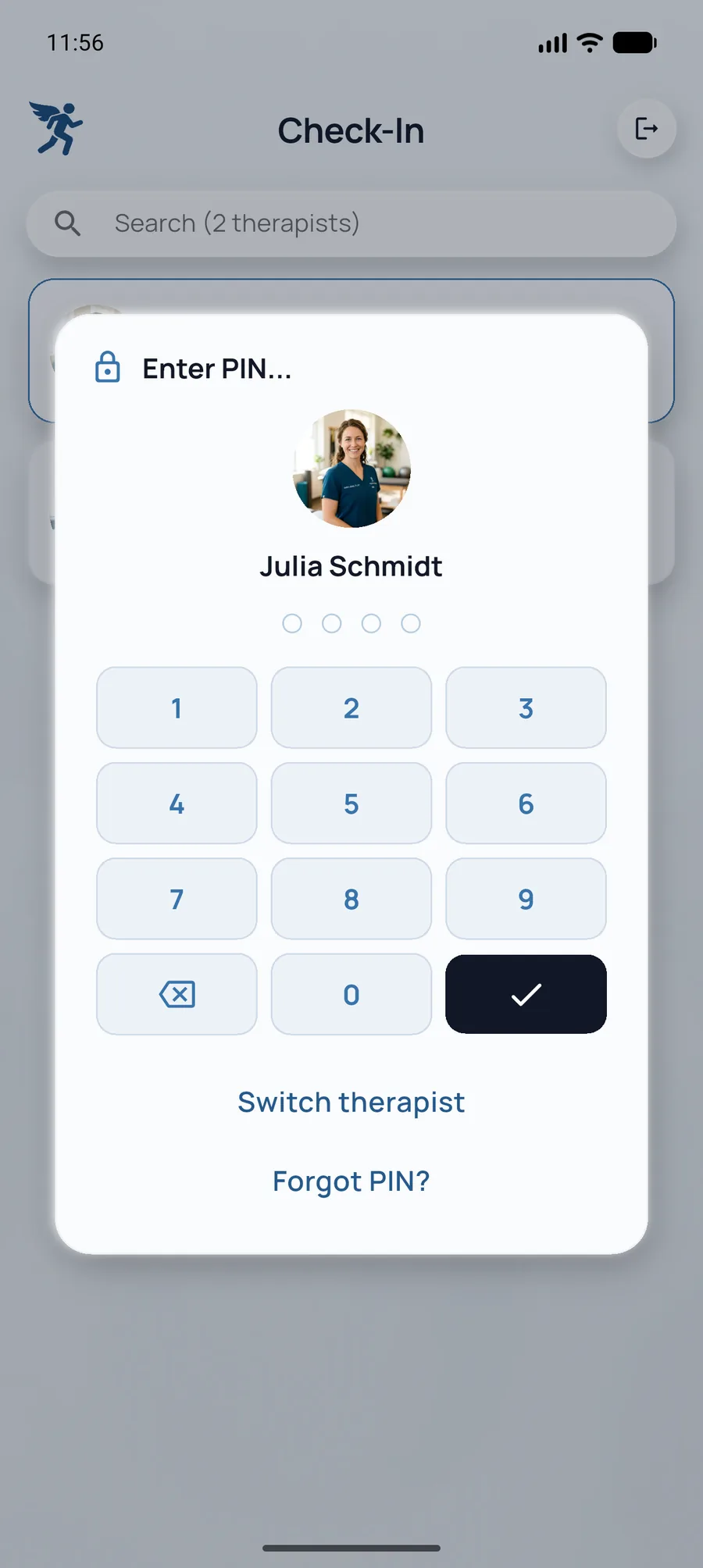
- Sign in to the practice, then enter the therapist PIN (Check-In).
- Switch therapist from the header. That control is not a tab in the bar.
- Coming back from the background locks to the PIN again.
If the therapist session is no longer valid, the app locks to the PIN. It does not sign the practice out. A forgotten PIN can be reset by email from the check-in screen. The old PIN works until the new one arrives.
Add practitioner seats
RehabPilot is priced per practice, not per patient. Patient feedback (the Exchange tab) is included on every plan. Starter is 1 seat and 1 clinic. Praxis includes 5 seats and up to 5 clinics.
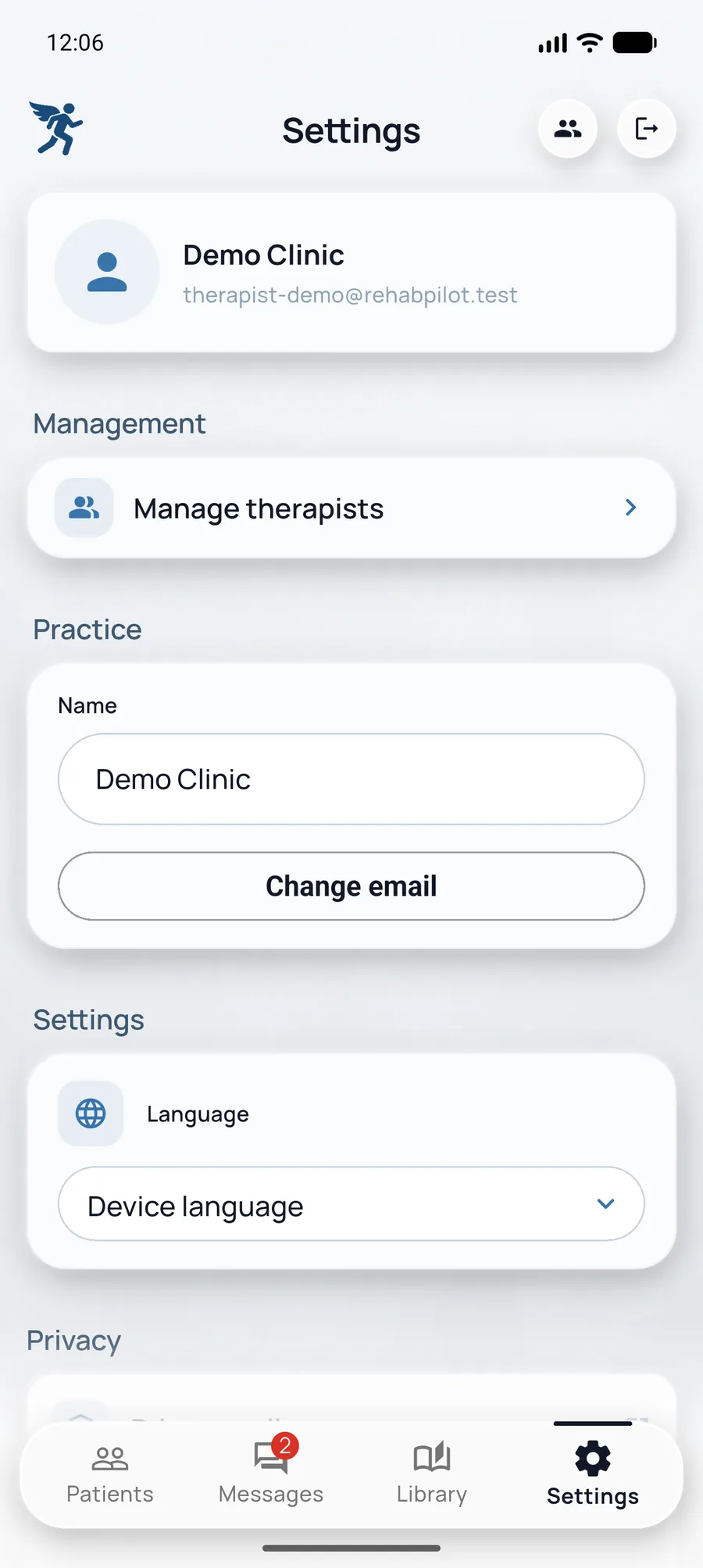
- In the clinic app open Settings → Manage therapists (an admin does this).
- Add a practitioner and follow the on-device login and PIN.
- Extra seats start at seat 6 on Praxis: +€8.98 / month, or the yearly equivalent, prorated for the rest of the term. Manage account opens the web portal. Starter upgrades to Praxis first, then adds seats.
Share the exercise library
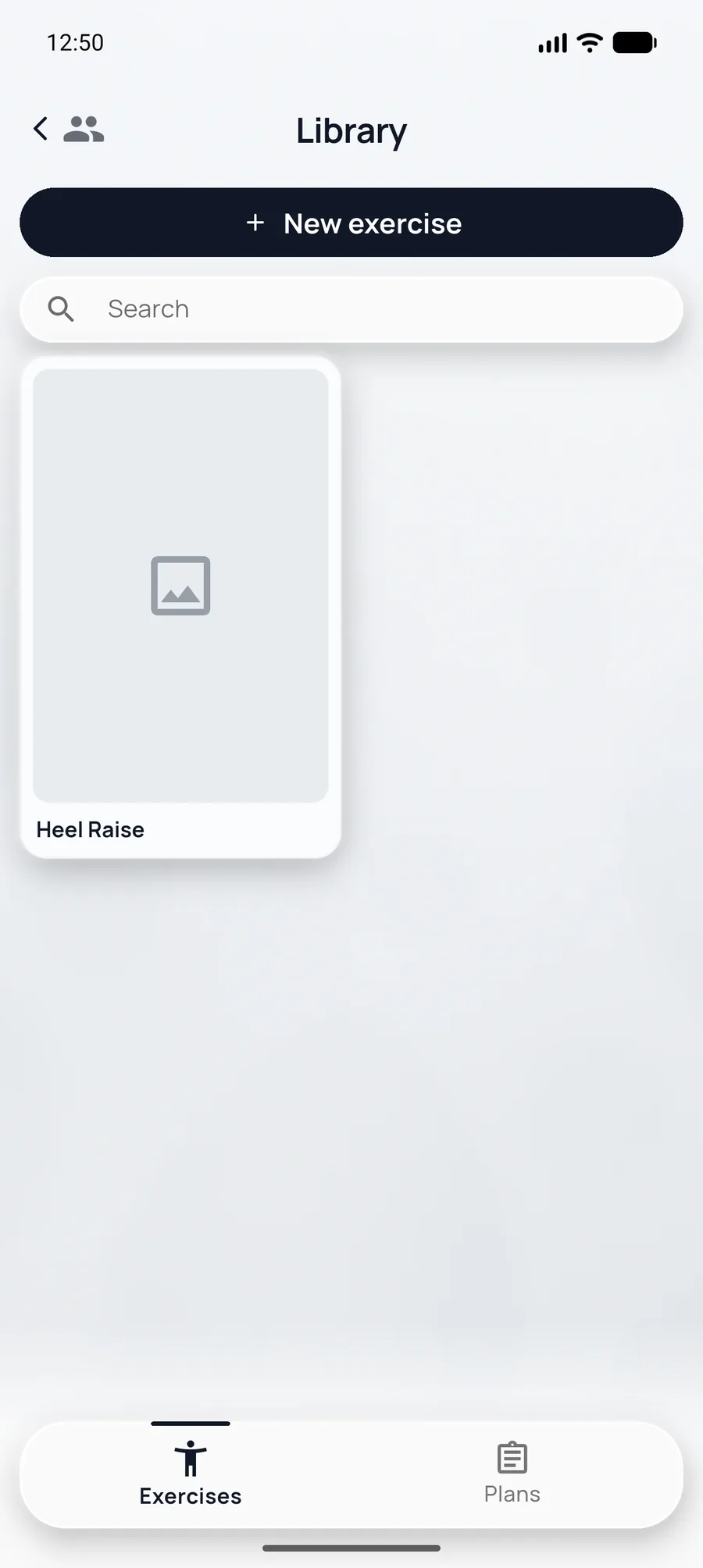
On Praxis and Enterprise the practice library and plans are shared, so any therapist can cover a colleague’s patients from the same protocols. How to save and reuse items is in Exercise plans — Practice library. Starter already has a library. There is only one seat, so there is nobody else to share it with.
Manage patients across the team
The patient list shows the therapist on each row.
| Action | Where |
|---|---|
| Set lead therapist | Patient → Patient Info → edit → Lead Therapist |
| Reassign on leave | Same field — pick another therapist |
| Adherence and notes | Patient Info (last 14 days); Exchange (Session note); day notes on Week Schedule |
Subscription & billing
Settings → Manage account opens the web portal: update the card, download invoices, add Praxis seats, or upgrade from Starter to Praxis. Stripe processes the payment. The app has no checkout.
When the trial or the subscription has ended, the clinic sees Trial ended. Data stays. Refresh checks the license again, and the screen links to pricing so you can pick a plan.
Settings
- Language: Device language, or pick English or German.
- Practice name, under the practice section.
- Support → Report a problem. A resolved ticket shows the reply in the app.
- Sign out, and Delete account. The public steps are on Delete account.
Patients manage their own profile: name, email, language, Privacy (Export my data, Clear local app data), support, sign out, and delete account. Clearing local data removes the offline cache on that device and keeps unsynced changes.
Enterprise
For groups that need more than the Praxis caps: seat count and number of clinics are set in the quote, integrations are on request, support is dedicated, and onboarding is included. Patient feedback is on every plan, including Enterprise. A DPA is accepted online at trial signup or checkout. Contact sales for a quote.
Clinic admin FAQ
Seats, billing, and team workflows for multi-therapist practices.
How do practitioner seats work?
Praxis includes 5 practitioner seats. Extra seats from seat 6 are +€8.98 per month. Add therapists under Settings → Manage therapists. Billing and invoices live under Settings → Manage account on the web. Starter upgrades to Praxis before adding seats.
Can therapists share recorded exercises?
Yes on Praxis and Enterprise. Your team shares one exercise library so everyone prescribes from the same clinic-standard movements.
Does the 14-day money-back apply to Praxis?
Yes. New Starter or Praxis subscriptions include a 14-day money-back guarantee.
What is the difference between clinic admin and therapist?
Clinic admins manage seats, billing, and shared settings. After signing in to the practice, therapists check in with a PIN and work on patients, plans, and the week schedule. Switching therapist is in the header.